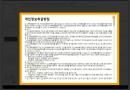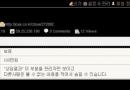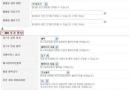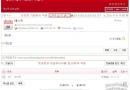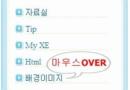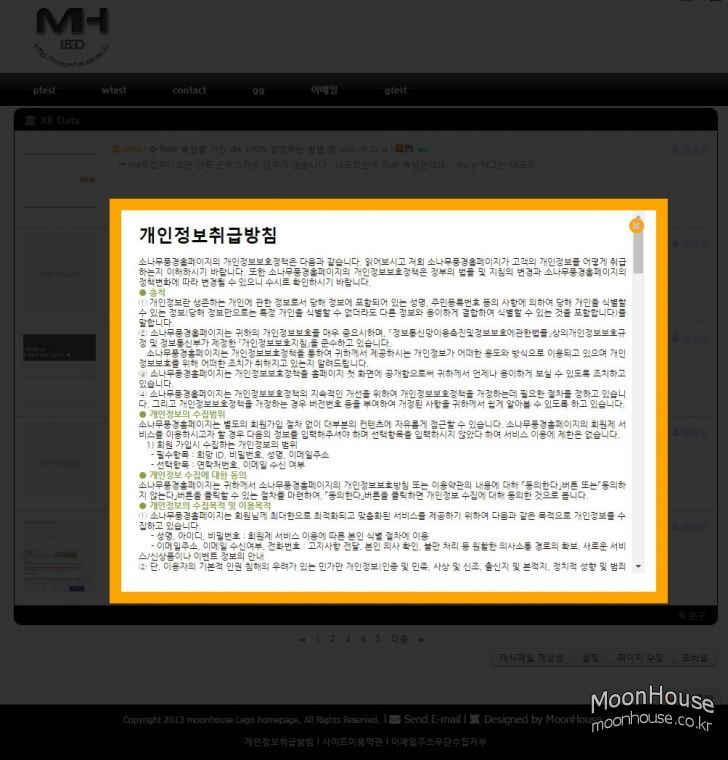
위의 이미지와 같이 해당 메뉴를 클릭시 화면 중앙에 팝업으로 띄우는 소스입니다.
"개인정보취급방침" 같은 메뉴를 띄울때 사용하면 좋겠죠...
1. privacy라는 임의의 페이지mid를 생성해서 문구를 작성합니다.
아래의 소스를 해당 레이아웃의 적당한 곳에 배치를 합니다.
<a href = "javascript:void(0)" onclick = "document.getElementById('light_01').style.display='block';document.getElementById('fade').style.display='block'" style="color:black">개인정보취급방침 l</a>
<div id="light_01" class="white_content">
<a href = "javascript:void(0)" onclick = "document.getElementById('light_01').style.display='none';document.getElementById('fade').style.display='none'"><i class="fa fa-times-circle fa-2x" aria-hidden="true"></i></a>
<iframe src="/privacy" frameBorder=0 width=100% height=500px scrolling=auto></iframe>
</div>
<div id="fade" class="black_overlay"></div>
2. css파일에 아래의 소스를 붙여 넣습니다.
/* Privacy */
.black_overlay{ display: none; position: absolute; top: 0%; left: 0%; width: 100%; height: 1500px; background-color: black; z-index:1001; -moz-opacity: 0.8; opacity:.80; filter: alpha(opacity=80); }
.white_content { display: none; position: absolute; top: 25%; left: 25%; width: 50%; height: 510px; padding: 0 16px 16px 16px; border: 16px solid orange; background-color: #ffffff; z-index:1002; overflow: auto; style="margin-top:30px;"}
.white_content a { position: absolute; top: 2%; right: 5%; color:orange }
여러개의 메뉴가 존재한다면 light_01 이 부분을 메뉴별로 다르게 주면 됩니다.
물론 mid와 메뉴명도 달리 주어야 겠죠.
그리고 x표시는 fortawesome웹폰트를 적용했습니다. 그냥 Close라는 문구로 바꾸셔도 됩니다.
게시판형식도 가능합니다. 대문페이지 하단에 "가입인사" 메뉴를 눌러보세요.

 Wing영역 아코디언메뉴 생성하는 방법
 댓글 유도글 남기기