
넥슨 Lv.2 고딕 NEXON Lv2 Gothic 웹 폰트 적용하기


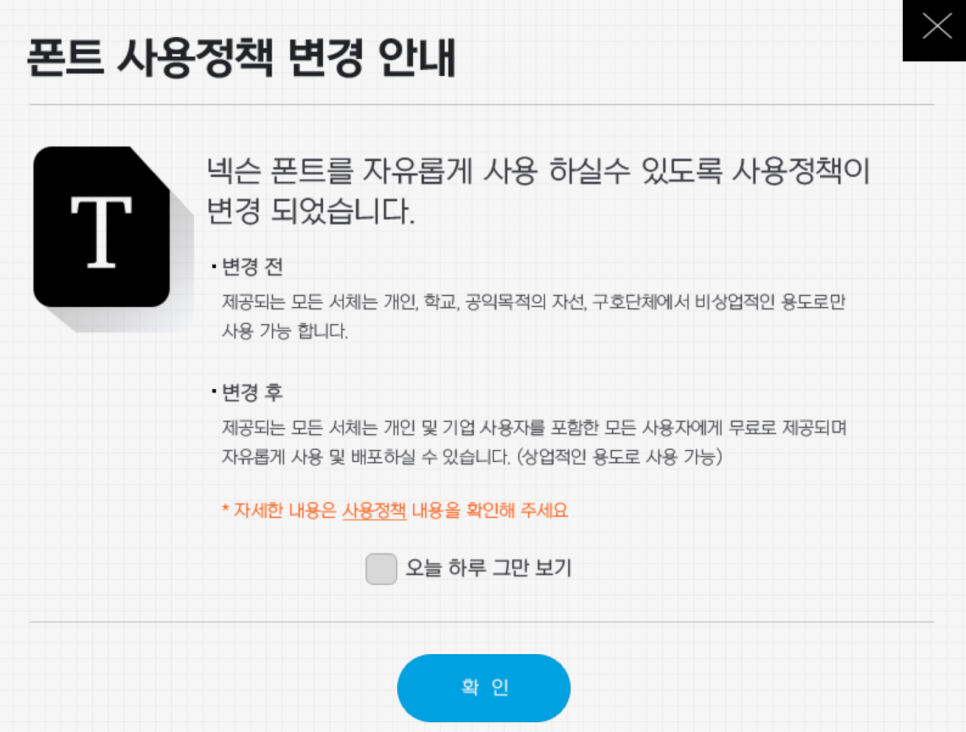
적용하고자하는 레이아웃이나 프로그램의 css파일을 불러와서 상단에 아래의 코드를 적용하면 됩니다.
@font-face {
    font-family: 'NEXON Lv2 Gothic';
    src: url('https://cdn.jsdelivr.net/gh/projectnoonnu/noonfonts_20-04@2.1/NEXON Lv2 Gothic.woff') format('woff');
    font-weight: normal;
    font-style: normal;
}
@font-face {
    font-family: 'NEXON Lv2 Gothic';
    src: url('https://cdn.jsdelivr.net/gh/projectnoonnu/noonfonts_20-04@2.1/NEXON Lv2 Gothic Bold.woff') format('woff');
    font-weight: bold;
    font-style: normal;
}

body, a, p, div, span, table, ul, li, img, h1, h2, h3, h4, h5, h6, header, textarea, form, footer, caption, section, button, select, html, i, nav, iframe, ol, strong, tbody, tfoot, thead, th, tr, abbr, object, acronym, address, applet, article, aside, audio, b, blockquote, big, center, canvas, cite, code, command, datalist, dd, del, details, dfn, dl, dt, em, embed, fieldset, figcaption, figure, font, hgroup, ins, kbd, keygen, label, legend, meter, output, pre, progress, q, s, samp, small, source, strike, sub, sup, tdvideo, tt, u, var { font-family: "NEXON Lv2 Gothic", sans-serif; font-size:14px; font-weight:400; }
font-size와 font-weight는 자신에세 맞게 조정하면 됩니다.
평가 참여 :
 SketchBook5 게시판 스킨 공지사항을 폴딩 ...
 위젯에 확장변수에서 체크된 해당 글 리스트...
 Tip이 도움이 되었다면 댓글과 평가 부탁합니다.
Tip에 대한 궁금한 점은 댓글로 남겨 주시면 성심껏 답변 드립니다.
Tip이 도움이 되었다면 댓글과 평가 부탁합니다.
Tip에 대한 궁금한 점은 댓글로 남겨 주시면 성심껏 답변 드립니다. 


